Brief-ly scans official letters, bills and contracts, explains in plain words what they say, adds deadlines to your calendar and files everything into folders automatically.
For iPhone · Google Play Store in 2027 · 8 languages · 3 free letters a month · try unlimited free for 7 days.
Nothing to set up. A letter arrives, you scan it, it's done.
Photograph the letter with the camera – every page, even folded or at an angle. Brief-ly straightens them automatically.
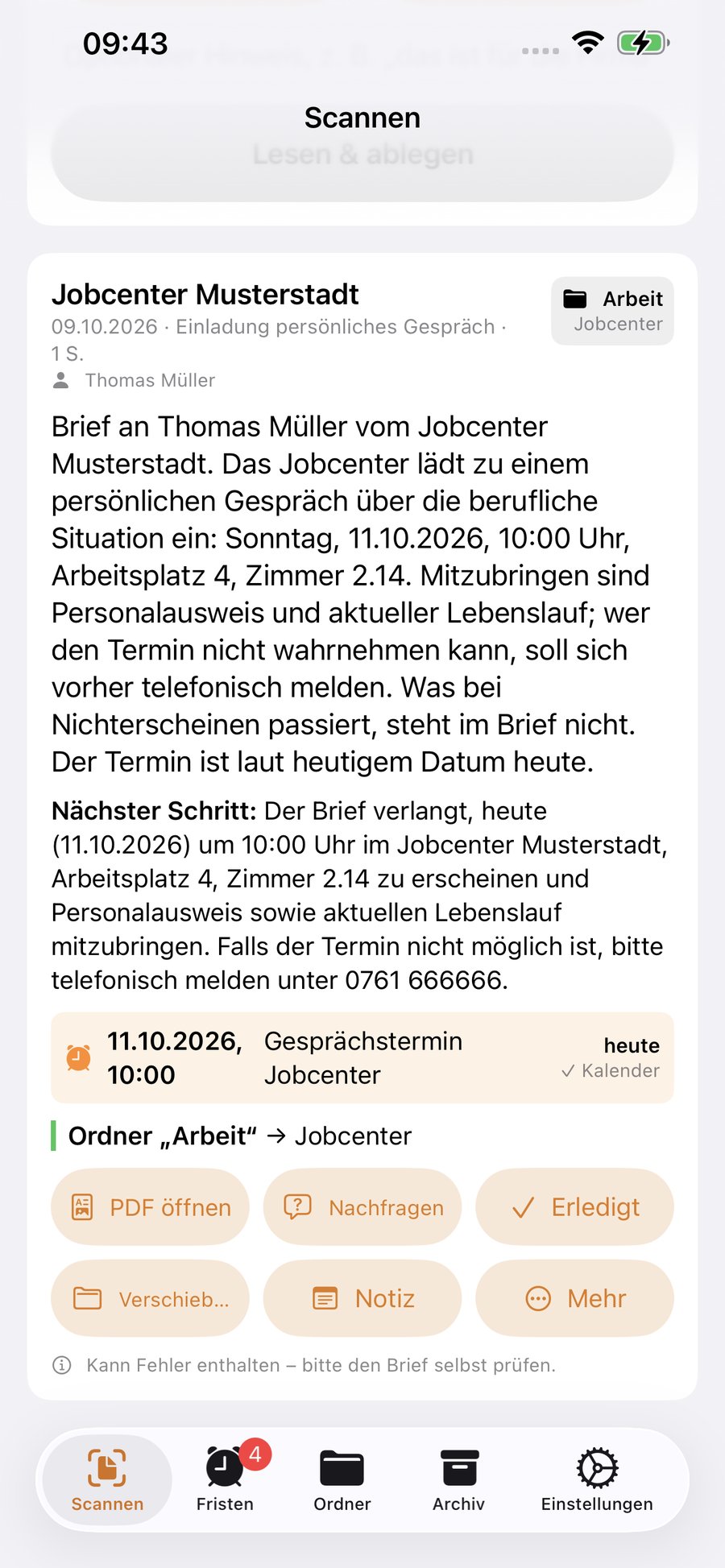
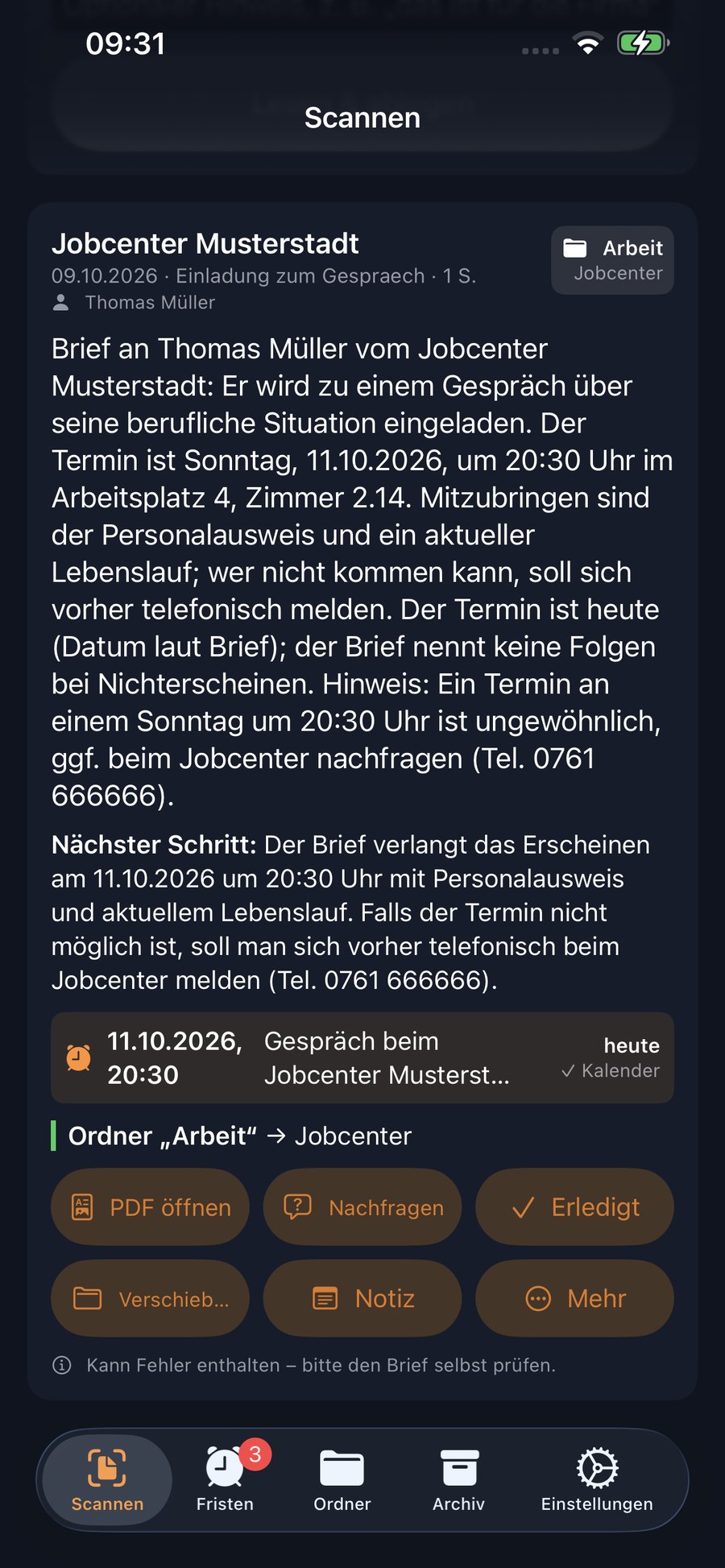
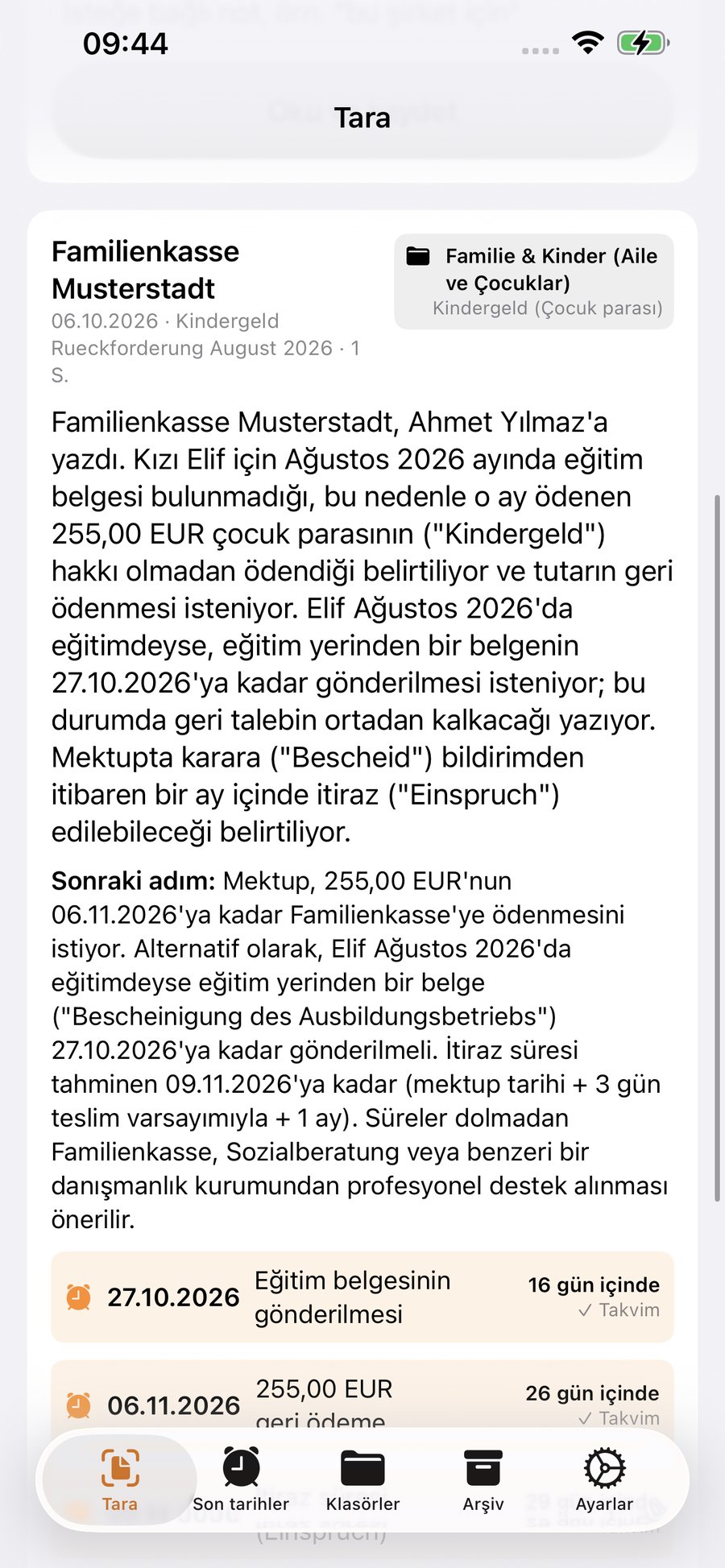
Within seconds you get a short explanation in your language: who is writing, what they want and what you need to do next.
Deadlines go into Calendar and Reminders. Brief-ly files the scan into the right folder by itself.
No folders to build first, no sorting at the kitchen table. The app recognises what a letter is about and puts it in the right place – and if there is no suitable folder yet, it creates one by itself.
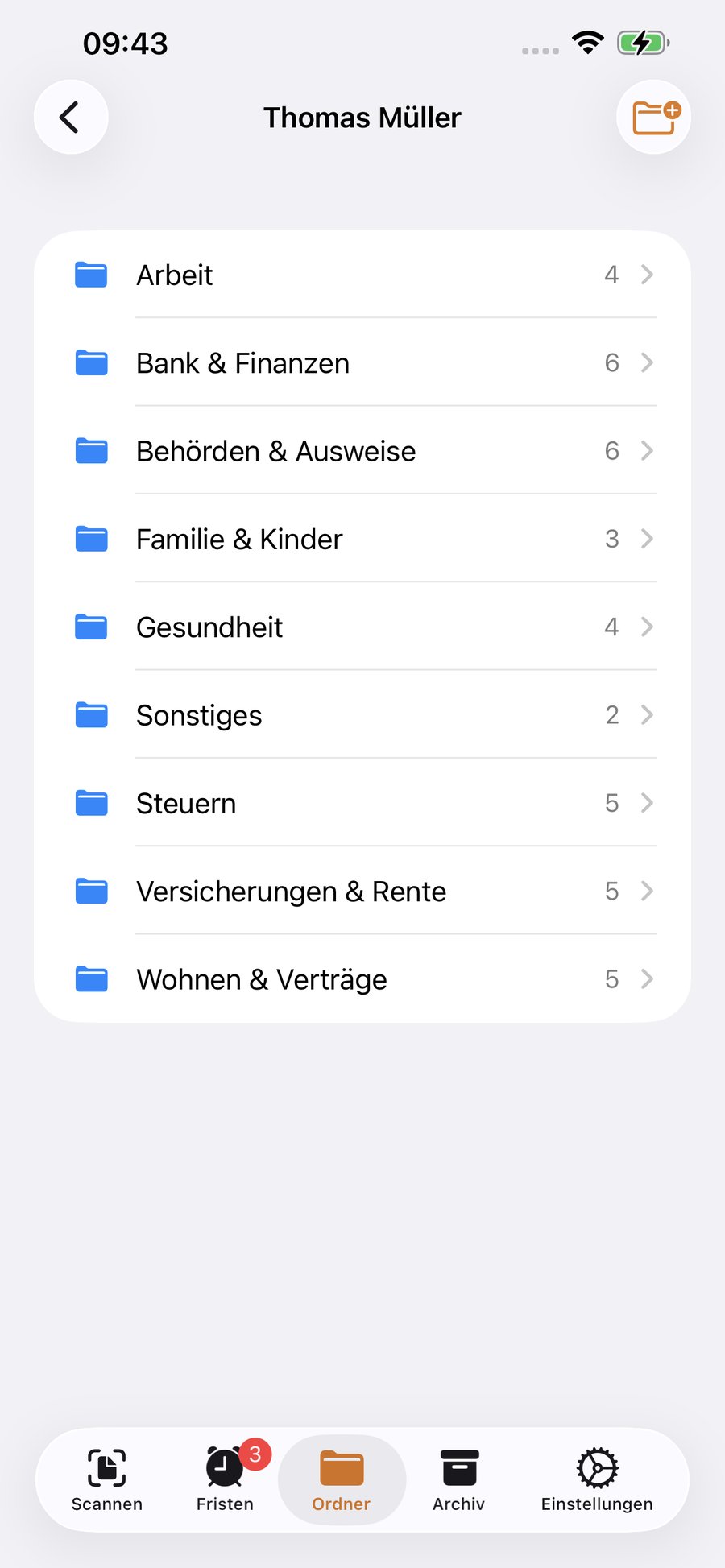
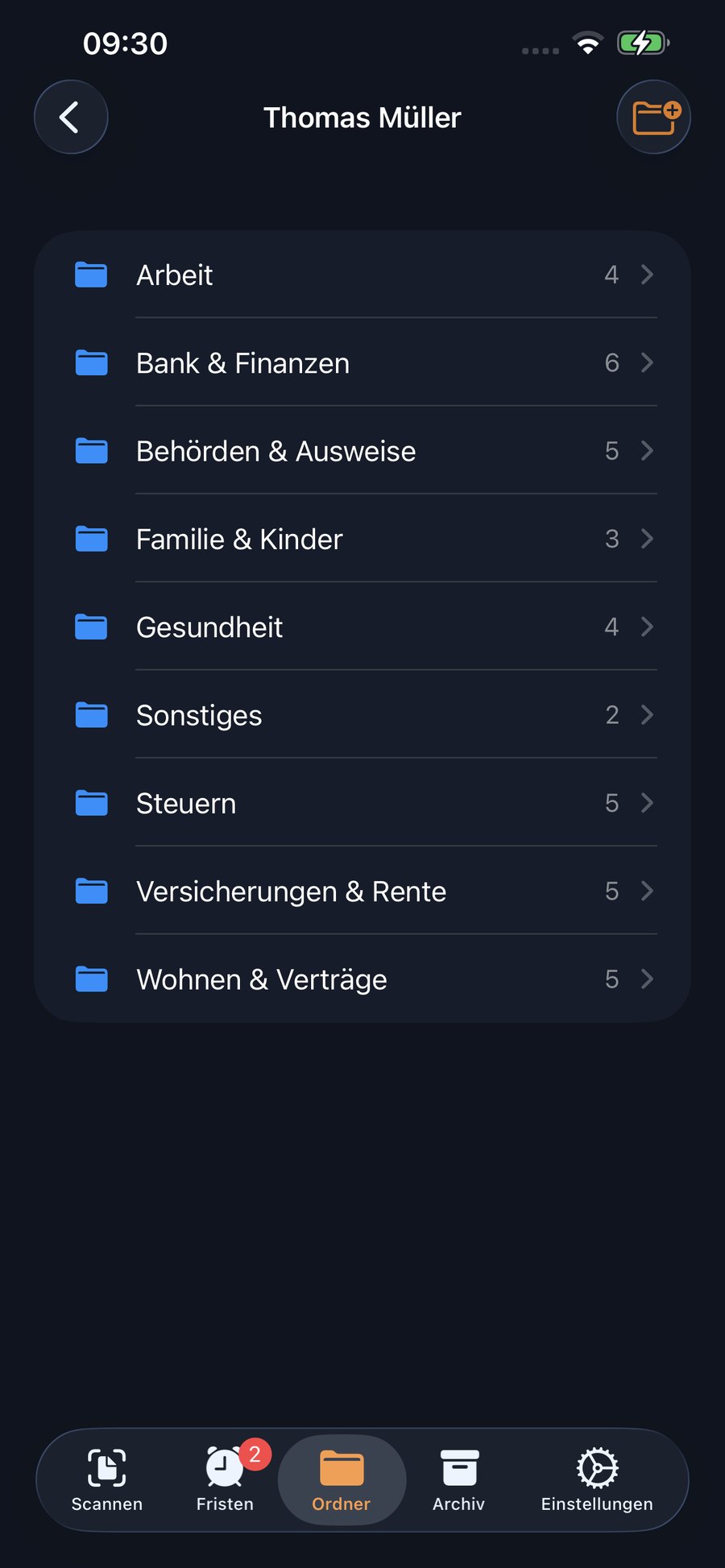
Nine folders for typical German mail are ready right away. Every scanned letter lands in the right one automatically – you don't have to choose anything.
If a letter fits nowhere, Brief-ly suggests a new folder and briefly asks you. Plus subfolders like “Taxes › 2025”, so everything stays tidy even years later.
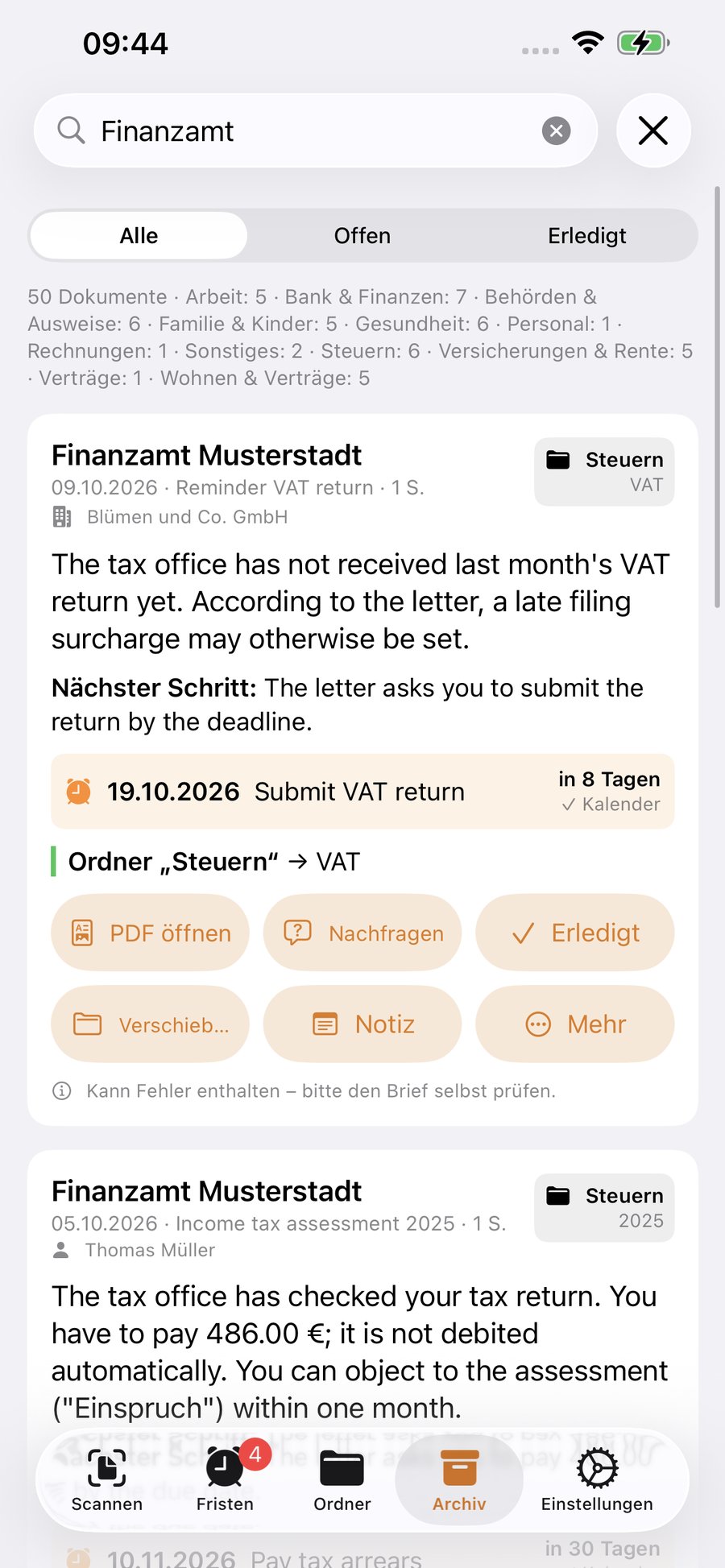
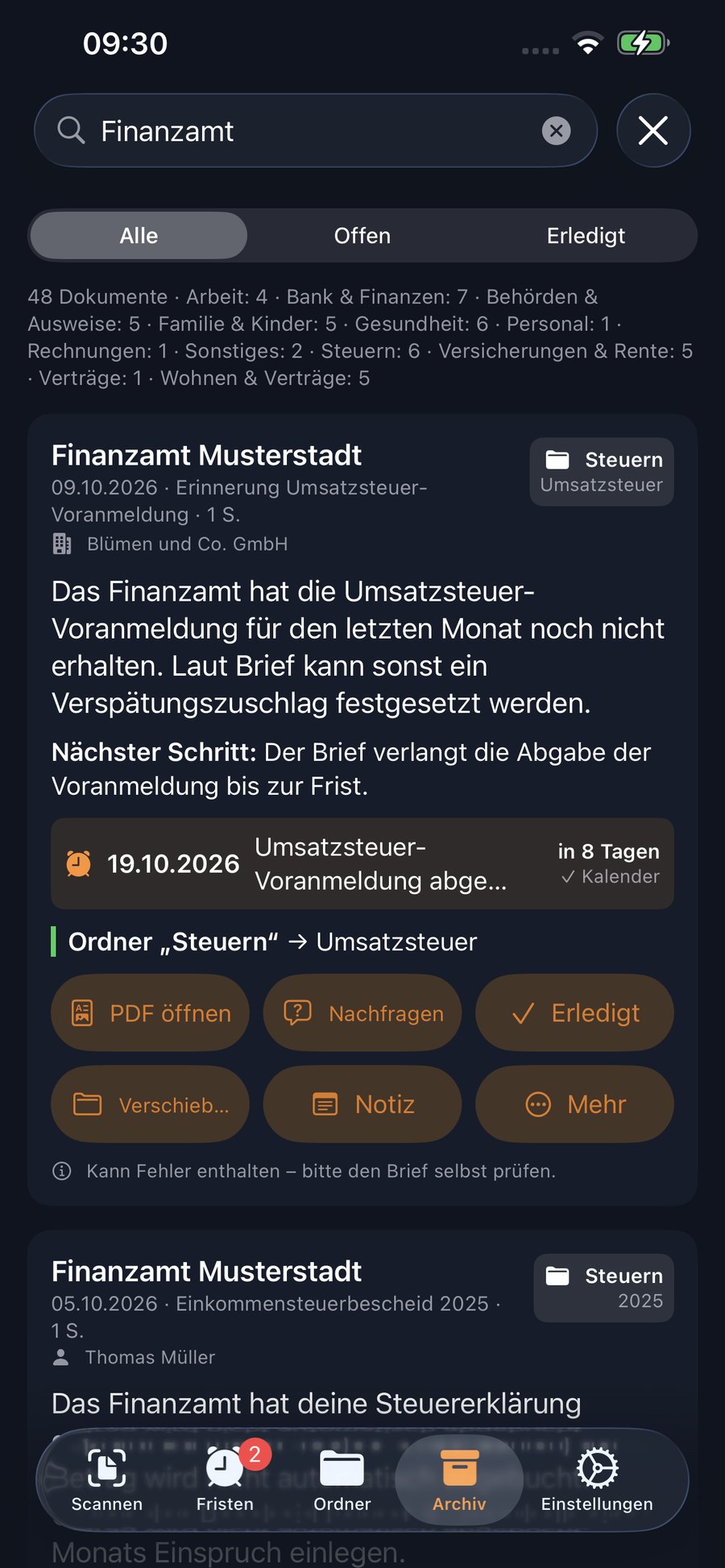
Search by sender, subject, reference number, amount or keyword – and Brief-ly shows you the letter with its explanation. Even a year later, in seconds.
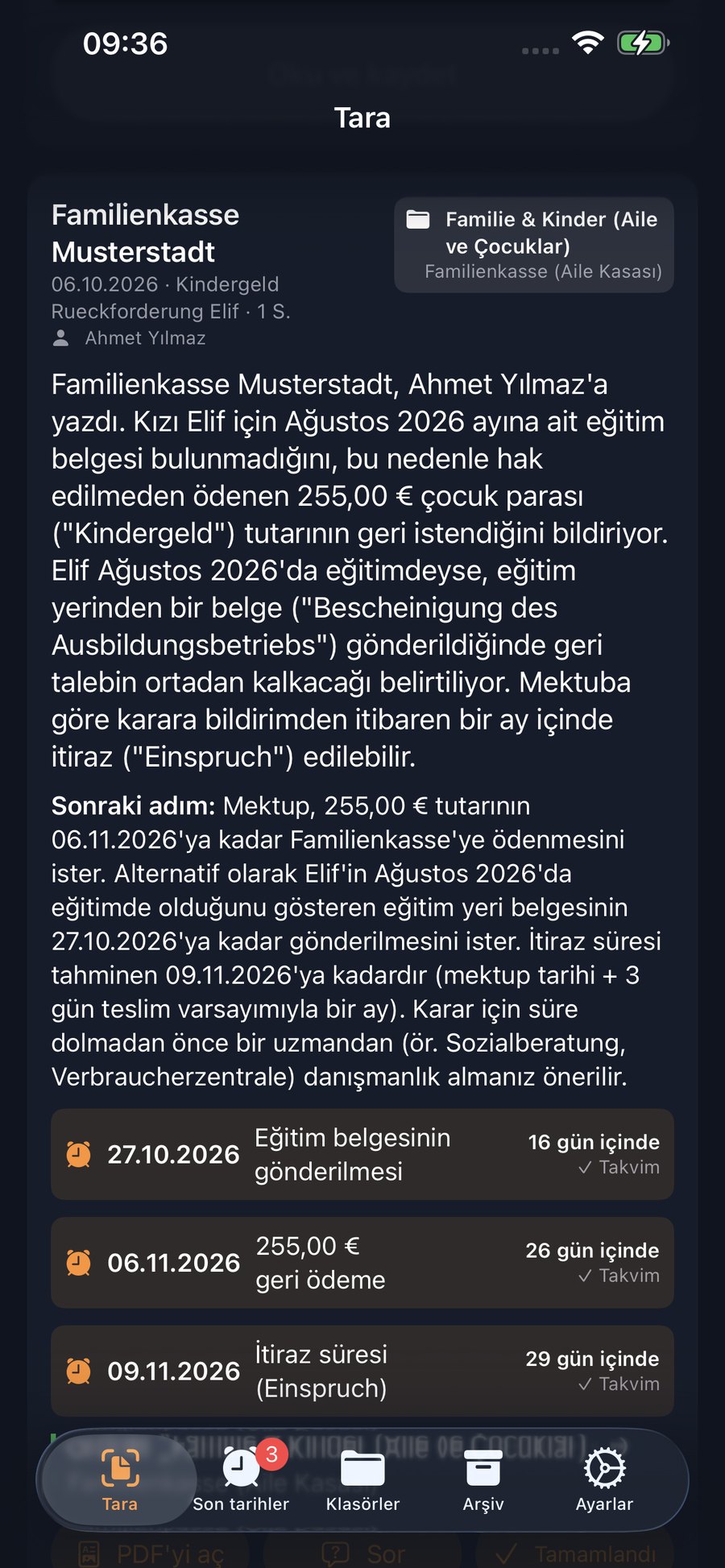
Official German becomes two or three clear sentences. Plus the next step and a title you'll recognise instantly in the archive.
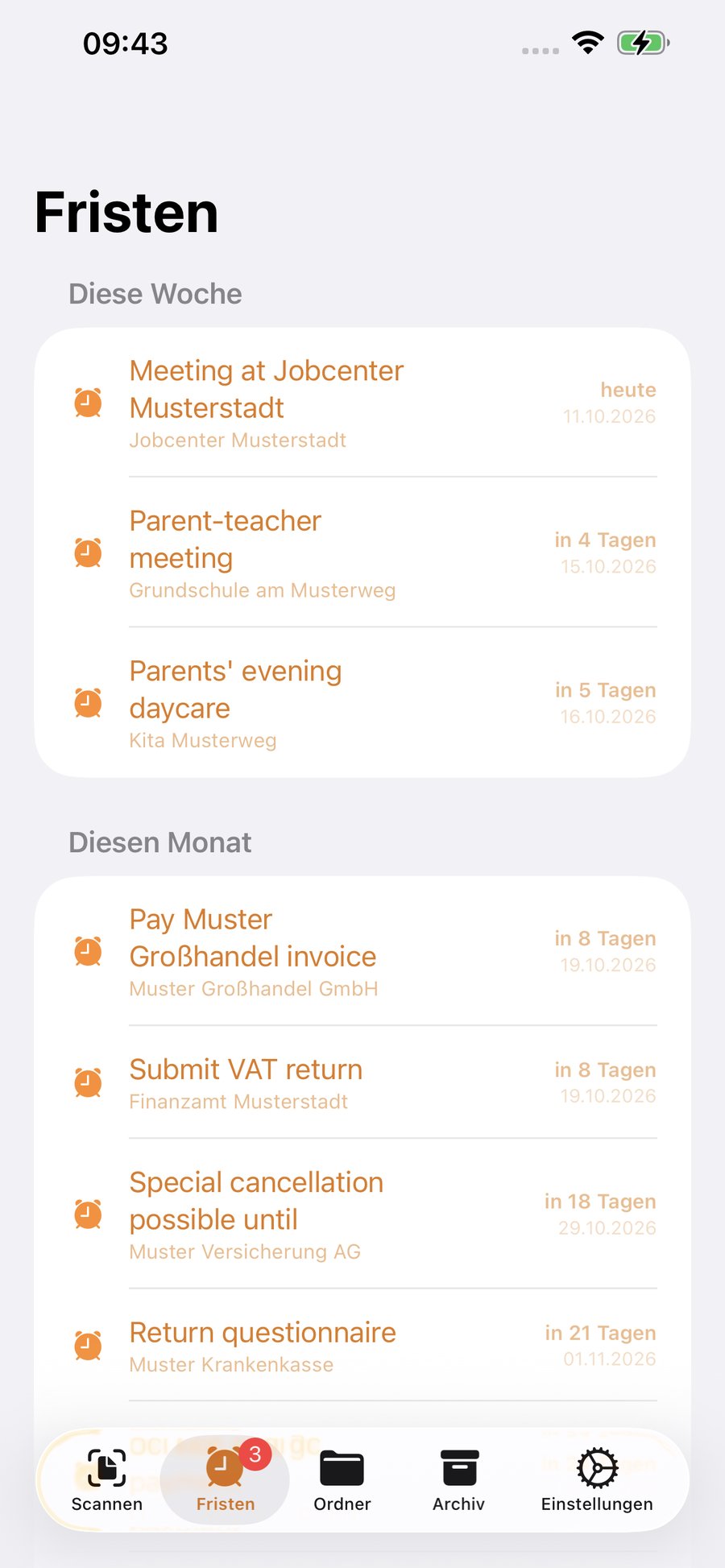
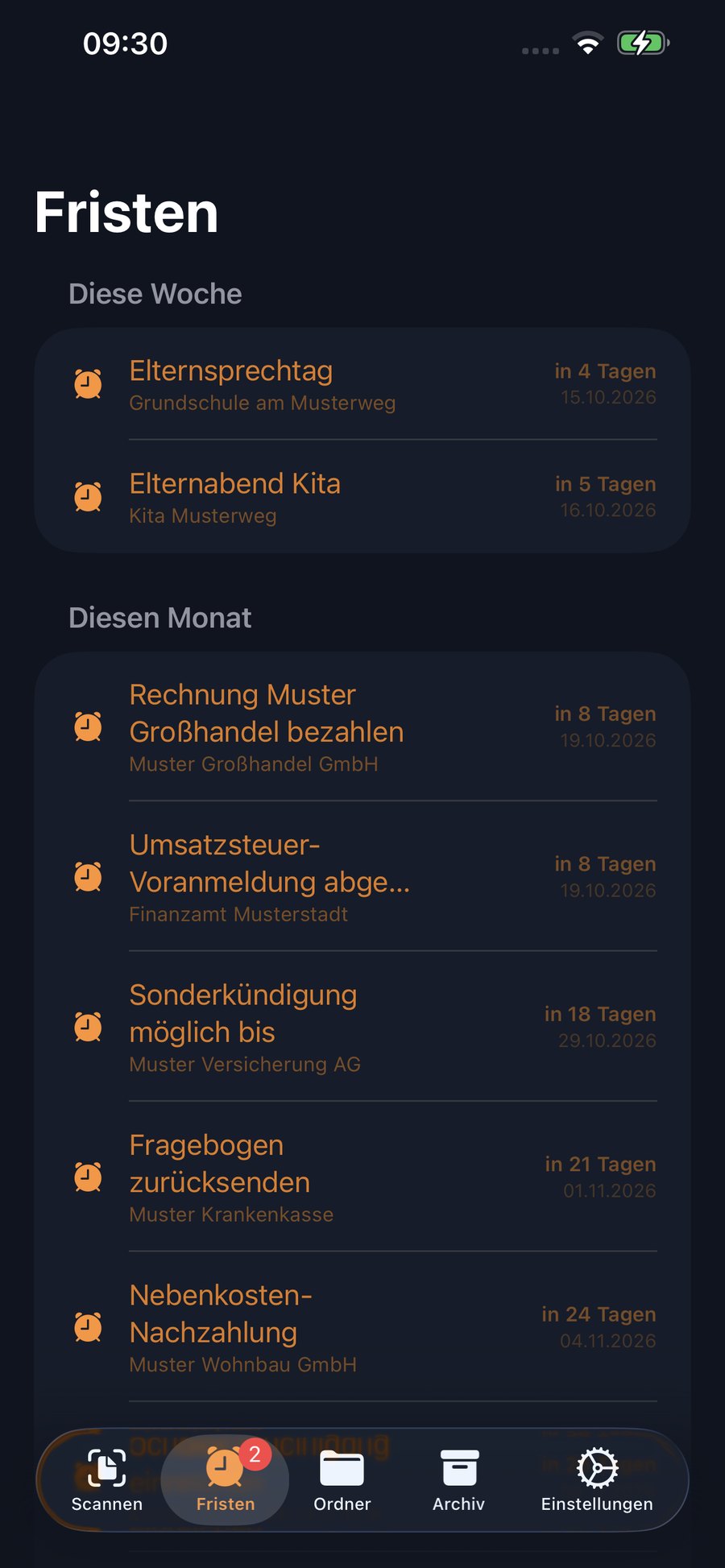
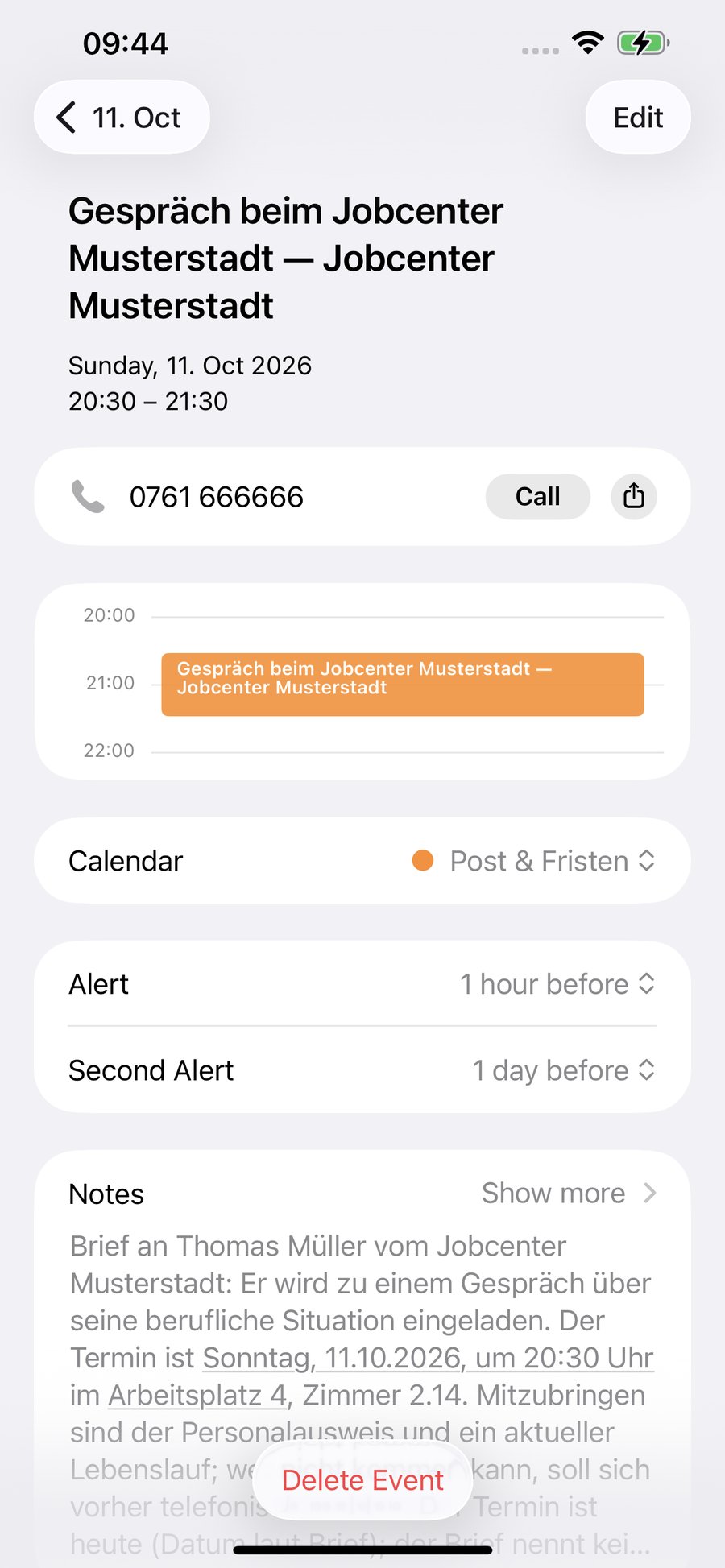
Payment and objection deadlines are detected and added to your calendar. Reminders three days before, one day before and on the day itself.
Taxes, health insurance, housing, insurance, work – Brief-ly files every scan by itself and creates new folders when a letter fits nowhere.
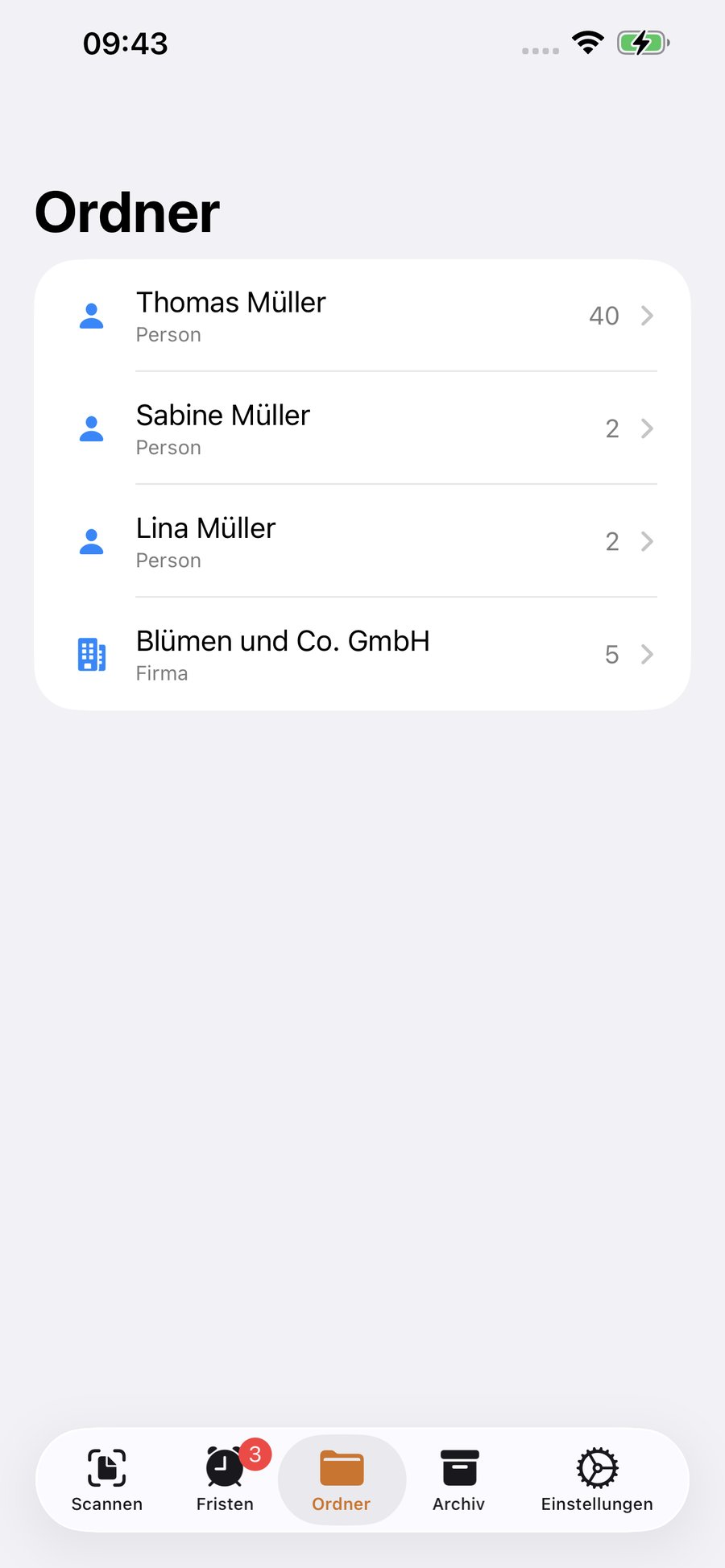
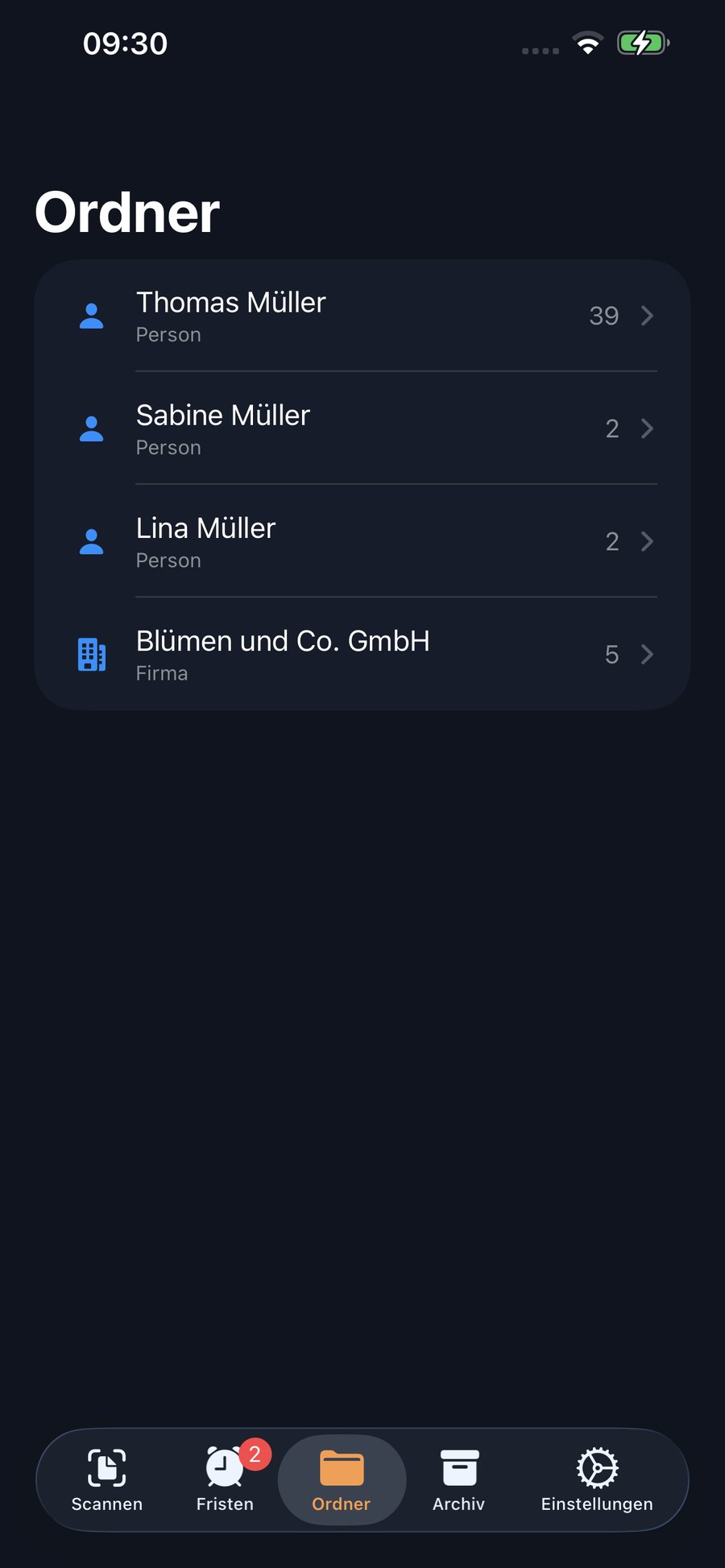
Thomas, Sabine, Lina and the company – every person and every business gets their own folders, named after the name on the letter. Brief-ly reads the address field to see who the letter is for. Included in the subscription.
All scanned letters are sorted and searchable on your iPhone – and, if you like, on your other Apple devices via iCloud.
“Do I have to reply?” – ask the app about any letter, in your language, as often as you like.


The explanation comes in the language you think in. The interface, the summaries and even the folder names follow your choice. Folders are then called, for example, “Steuer (ضرائب)” – so you can find both.
Mail is private. That's why everything stays on your iPhone – not with us.
Brief-ly adds deadlines to the apps already on your iPhone. Nothing new to install, no account to create, no new routine to learn.
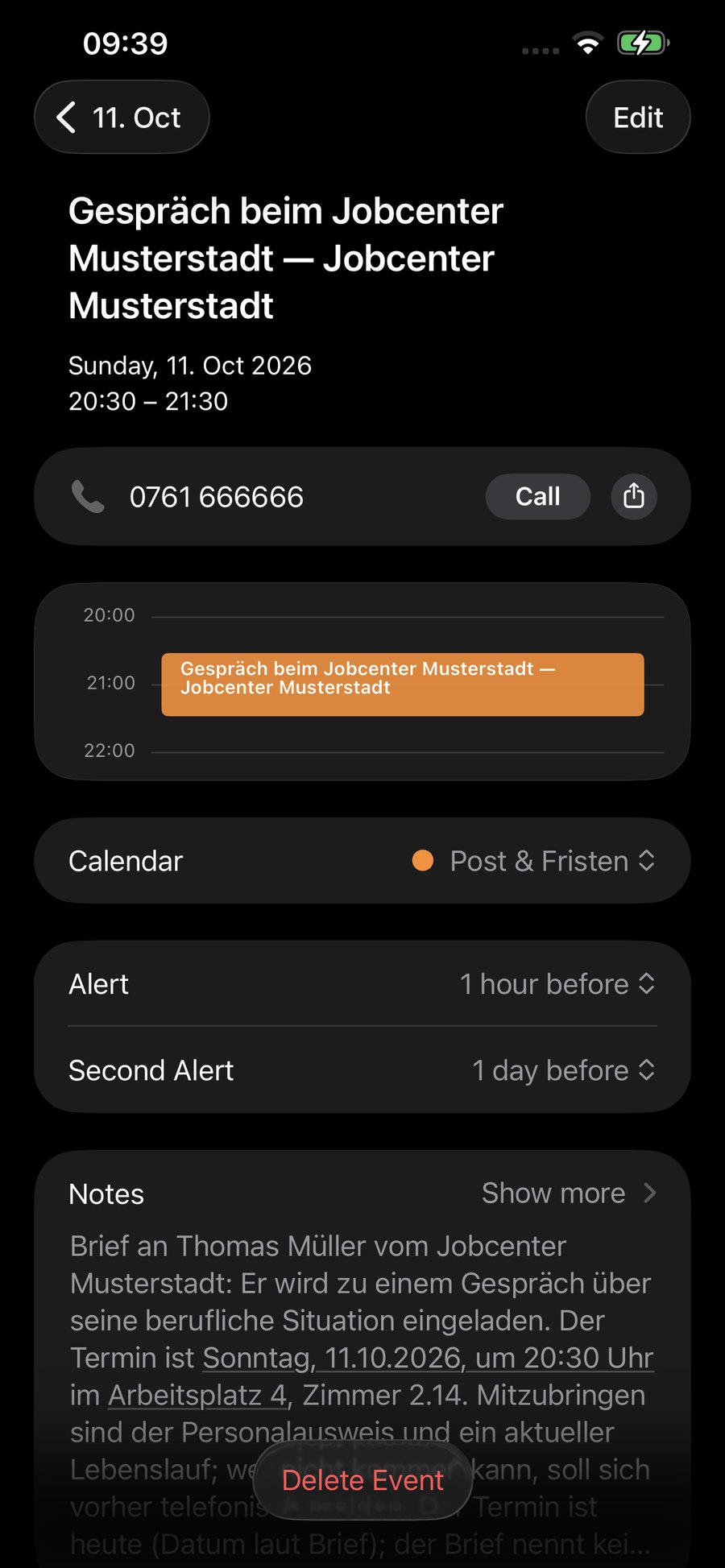
Every detected deadline is added as an event automatically – with alerts three days before, one day before and on the day itself at 9 am. If the letter gives a time, for example for an appointment, there is an extra alert one hour before.
Prefer a to-do list? Turn on Reminders in Settings, and every deadline appears there as a task with a reminder the day before.
The entries live in your normal Apple apps. If you use iCloud, you'll see them on iPad, Mac and Apple Watch too.


Three letters a month are free – no account and no payment details. You can try unlimited free for 7 days. If you get more mail, you pay less than a letter answered too late would cost you.
Billed through the App Store. The subscription renews automatically and can be cancelled in the iPhone settings.
No. Brief-ly helps you understand letters quickly, but it can make mistakes. Always read the letter yourself – and if anything stays unclear, an interpreter, an advice centre or a professional will be glad to help. The app does not give legal or tax advice.
Anything printed in German: official notices, bills, payment reminders, contracts, insurance and bank mail, letters from school or daycare. Handwritten letters work only to a limited extent.
No, you scan all pages of one letter one after the other and then tap “Read & file”. The only rule: one letter per scan. Several letters in one scan are rejected, so nothing gets mixed up.
No. Brief-ly uses Apple Calendar and Apple Reminders, which are already on your iPhone. The first time, iOS asks whether Brief-ly may access them. Brief-ly uses the calendar automatically; you can turn on Reminders in Settings if you need them.
In the archive, tap the search at the top and enter the sender, subject, reference number, an amount or any keyword. Brief-ly searches the summary, the folder and the key details of every letter – even letters from long ago.
Scanning always works. To understand a letter, the app needs internet briefly. Without a connection, the letter is saved in a queue and read automatically as soon as you're back online.
Without a subscription, your letters are only on the device (and in the normal iPhone backup). With the subscription, turn on “Back up to iCloud” in Settings: all letters are then also in your own iCloud and come back automatically on a new iPhone with the same Apple ID. The subscription itself is tied to your Apple ID and can be restored at any time.
At launch, for mail in Germany. Switzerland, Austria, France, Italy and the Netherlands will follow.